
Upload Training Data
-
Prepare Your File
CSV format with columns:
- instruction (Required)
- output (Required)
- input (Optional)
-
Upload Options
- Drag & drop CSV into upload area OR
- Click “Select file” to browse
-
Complete Upload
- Check file uploaded successfully
- Click “Finish”
- Wait for confirmation message
💡Remember : Use “lowercase” column names, no empty required fields.
-
Complete Dataset Setup
-
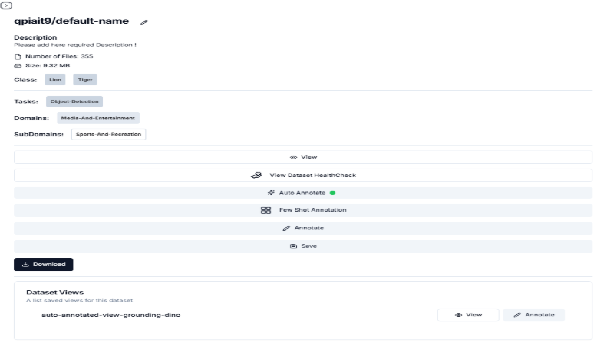
Locate Dataset
- Find your dataset in list
- Verify details:
- Correct dataset name
- Task: “LLM-Instruction-Tuning”
- Expected domain tags
-
Finalize Setup
- Click “View Details”
- Click “Save”
- Wait for “Success” message
- Confirm “annotated” status appears
💡Next Steps
The dataset is now validated and ready for model training.
Last updated on