
Settings
The Settings section is your control center for managing your account and platform preferences. Here, you can customize your profile, handle API access, and organize your team collaboration all in one place. Starting with your profile, you can set up your display name to help other users identify you easily. For developers and applications that need to interact with our platform, the API Keys section lets you create and manage secure access keys. The Team Members area makes collaboration seamless by allowing you to invite colleagues and assign them specific roles within your projects. Each feature is designed to be straightforward and user-friendly, ensuring you can make adjustments quickly and get back to your main work. Whether you’re working solo or as part of a larger team, these settings give you the flexibility to configure the platform according to your needs.
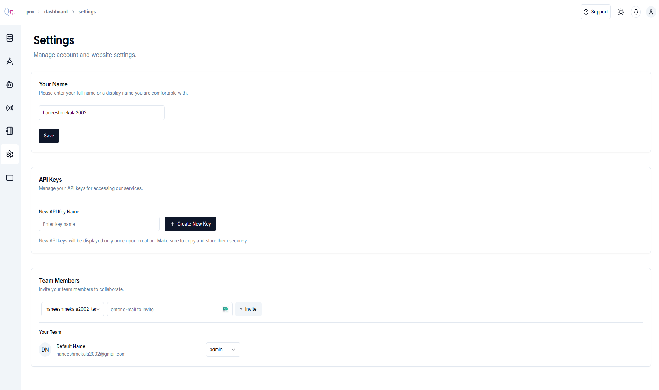
- Your Name In your name section, you can change the profile name, which will reflect in your dashboard.
- API Keys API Keys are secure access tokens that let your applications communicate with our platform’s services. These keys act like unique passwords, ensuring that only authorized applications can access your data and resources.