
Video Dataset Creation
Video dataset creation in Pro involves extracting frames from videos for frame-level annotation and AI model training on tasks such as detection and tracking. The platform also provides duplicate frame removal and image conversion features to ensure high-quality training data
💡Steps to access and manage datasets
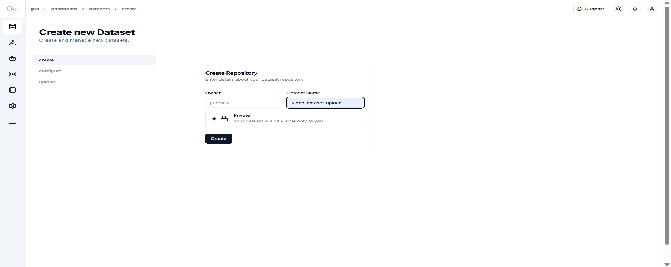
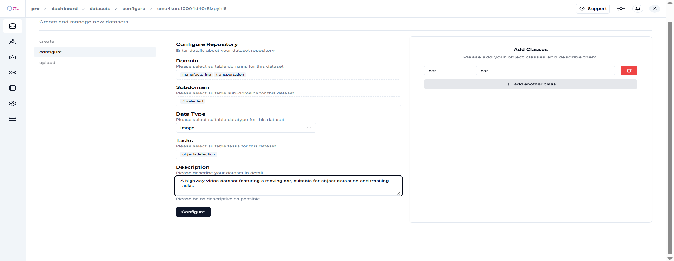
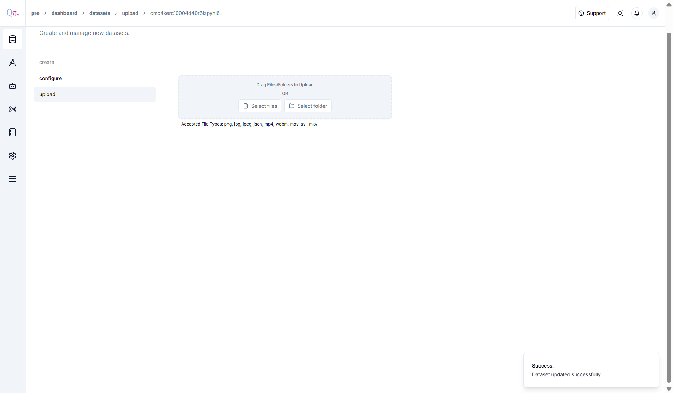
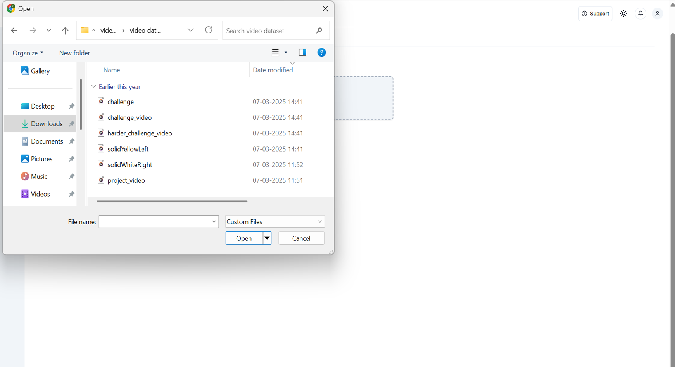
- Follow the same steps outlined in “Section 2.1: Vision Dataset Creation” up to the dataset upload stage. At the upload step, select ‘Video’ instead of ‘Data’
-
After uploading, select the ‘Frames’ option, set the desired frame range, and click on ‘Extract Frames’
-
After uploading, a toast message will appear upon completion of frame extraction
-
Click on the ‘Remove Duplication’ tag and wait for the upload to complete.
-
Wait a moment while the upload is processed. Once complete, a pop-up message will appear indicating ‘Completed’
-
Now it will direct , A summary card is shown the, displaying:
- Total Duplicates Removed – Number of duplicate images eliminated.
- Total Unique Images Remaining – Number of images that passed the duplicate check and are available for further use.
-
Extracted video frame images will now be available in the dataset.
-